Free Online Home Office Layout Planner to Rearrange Your Room
Dreaming up your perfect home office but not sure where to start? Imagine the possibilities with our new free online home office layout planner! This easy-to-use tool makes it fun and easy to visualize your ideal workspace.
Home Office Planner Tool
Take the room and draw it in, add the desk, and see whether the chair has room to pull back. The planner operates to scale in feet, compares each fixture with the published clearance figures, and states in easy-to-understand language which items don’t fit. Most room design programs simply let you move furniture around, and that’s about it; this one answers the real question you have, namely whether the item you’re planning to buy will fit in the room you already have. If you would rather start from something finished, we have ten worked home office layouts to choose from.
How to Use The Office Planner Tool

Set the room size – At the top, enter the width and depth in feet; measure wall to wall, not off the carpet, and if the room is not a perfect rectangle, then use the smaller dimension and regard the extra area as bonus space, which you will check manually. The grid is redrawn immediately, and all the fixtures which are already on the plan are pulled back in.
Add your furniture – The buttons are arranged as you would when shopping: start with the work surfaces, then seating, followed by storage, and finally additional items such as lighting and a video backdrop. All items appear at their standard size. A desk, for example, is 60 inches wide by 30 inches deep, a task chair measures 27 inches by 27 inches, and a vertical file cabinet is 18 inches wide and 30 inches deep since that is the size of an actual one.
To change the size of anything, you can drag the blue corner handle or enter the exact figures into the inspector bar, which shows up when a fixture is selected. The arrow keys move the item that has been selected, and the Delete key gets rid of it. If you are still choosing, start with what desk size you actually need and a look at the different desk types. You can also use our desk size tool to get results based on the number of monitors and equipment you use daily.
Rotate to set the front – Rotation involves four quarter turns, not two, and it’s an important feature. Since the desk needs open space on the floor behind it for the chair, the planner must know the direction in which the desk is facing. You should rotate it until the clearance area is in the position where the chair is located.
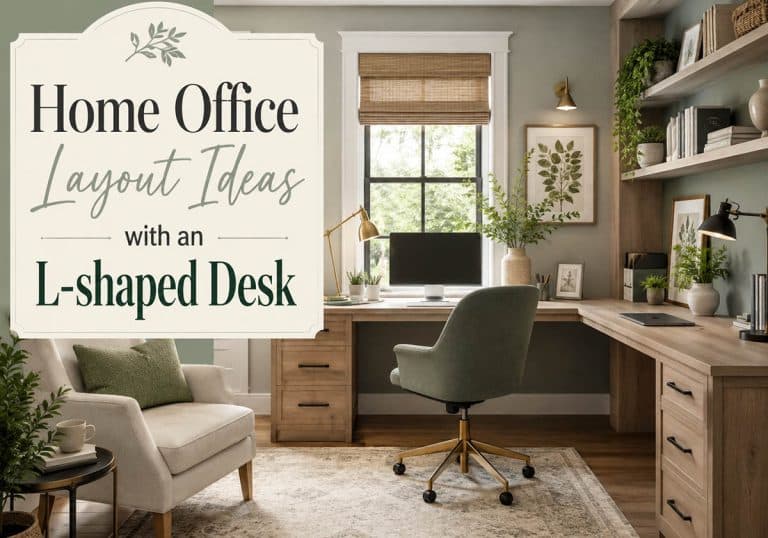
Build an L-desk – There are two methods. With the L-Desk button, the entire footprint is dropped as a single rectangle, which is quick when you want to block off an area. Alternatively, you can place a Desk and a separate Return and then rotate the return into position. The second method is slower but more accurate since each item has its own clearance check.
For inspiration before you start dragging, see L-shaped desk layouts in real rooms.
Add doors and windows – The doors will move to the wall closest to which you drag them. Whether you choose in-swing or out-swing, you can flip the hinge or switch to a bifold, a sliding bypass, or a pocket door. The swing arc is drawn to scale, which is where the majority of paper sketches fail. A door that is 32 inches wide sweeps out a quarter circle that is also 32 inches in length, and this arc must remain unoccupied. The planner then shades it and marks any item that is within it.
Since sliding and pocket doors do not sweep anything, they are checked in a different way. Instead of looking at the walk-through strip in front of the opening, the planner watches the area where it’s positioned in case it is obstructed. The Egress Window button is separate from the plain Window for a reason. Refer to the section on standards below.
Read the warnings – Each issue specifies the fixture, the current measurement of that fixture, the measurement required, and the source of the requirement. For example, the statement “The desk has 22 inches of clear floor in front and needs 36 inches to allow the chair to be pulled back” tells you exactly what action to take. A general warning does not.
When the shading is green, the clearance requirement is met; if it’s red, then it isn’t. To see both answers, switch the dropdown from Recommended to Minimum workable, since it’s possible for a layout to satisfy the minimum standard and yet still be irritating to live in on a daily basis. The area rug is the only item that doesn’t obstruct anything; it hangs below the furniture and is outside the clearance calculations, just as rugs are meant to be.
Save, share, print – The plan will be automatically saved in your browser and so won’t be lost if you close the tab. When you use Copy Share Link, the entire layout is put into a URL that you can pass on to a partner or to a contractor. The Download Image option provides you with a PNG file showing both the dimensions and the compliance summary. With the Print/Save PDF option you get something to take to the furniture store.
Planning An Office Tips
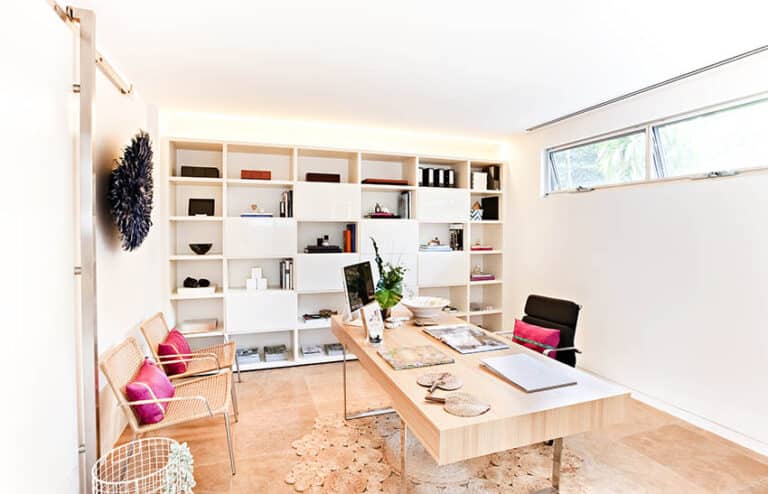
Place the window beside the desk, not behind or in front of it. If you put the window behind you, you’ll appear as a silhouette during all your video calls. Having the window in front causes glare to hit the screen directly. Only when the light comes from the side will both your eyes and the camera be properly illuminated, and arranging it this way requires no cost.
Even if it means giving up a bookcase, it is important to keep the space behind the chair, since this is the only clearance that people tend to cut and later regret. At 24 inches you are able to sit down, but in order to push back and stand up you have to turn to the side; at 36 inches you simply get up. When the room requires you to choose between a shallow bookcase and proper room for the chair, then drop the bookcase. If the room will not give you that, these ideas for a small office footprint are the next place to look.
Leave the desk outside the area that the door swings into; it’s clear on the plan but not in your mind. When the geometry doesn’t allow it, a pocket door or a bifold door will regain the full arc, and in a small office that can amount to ten square feet of usable floor space.
When arranging file cabinets, take the depth of the pull into account, not just the space they occupy. A vertical file is 28 and a half inches deep and its drawer extends almost all the way out, so it needs a minimum of 30 inches of clear floor space in front of it and 36 inches if you want to stand and go through the files. Position it in a corner so that the 36 inches of space overlaps with an existing walkway.
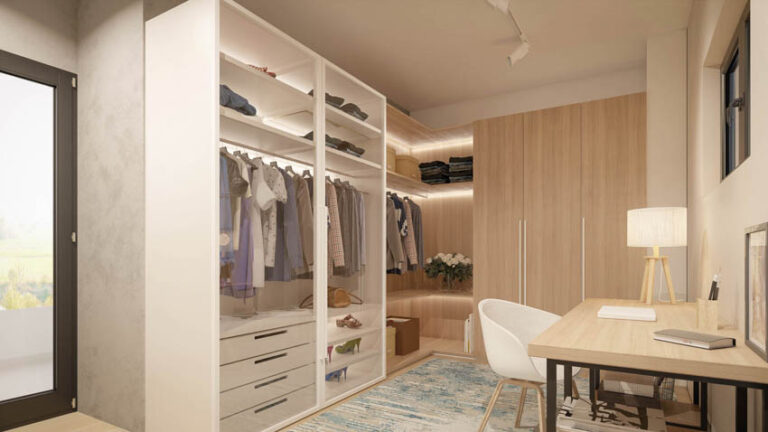
If the room is to be used as a guest room, decide on the position of the window first. Once people start sleeping in the room, IRC R310 comes into effect and the window then becomes a code requirement rather than a design option. You should position the egress window before placing any other items, and afterwards make sure that no furniture is in the way of the window. It is costly to install an egress window into a wall that has already been finished, and it’s even worse if you find out that you need one after you’ve already applied the drywall. It is worth knowing which egress window styles meet the code before you order anything.
L-desks take up two walkways, not just one. A straight desk requires a clear area of floor on one side only. An L-shaped desk needs clear floor space on both of its legs since you swivel between them. This is actually the reason why an L-desk which will fit on paper often seems to be cramped in the room. You should place both legs of the desk and then check where the chair is actually able to move. The same goes double if you are sharing the room with a second desk.
Before considering the desk, consider the wall that is behind you. If you appear on camera frequently, then the rear wall will form part of the setup. Whether it is a bookcase, a whiteboard, or a proper backdrop, each of these items has a different effect and causes the position of the desk to change as a result. Once you have decided on the wall feature, the problem of where to place the desk is mostly settled.
What the Clearance Check Is Based On
Home offices are governed mostly by convention, with one real exception. If the room is ever used for sleeping, the emergency escape opening is code, not preference.
| Check | Minimum | Recommended | Source |
|---|---|---|---|
| Clear floor behind a desk (chair pull-back) | 24 in | 36 in | Furniture industry standard for a task chair, consistent across independent sources |
| Clear floor behind a standing desk | 30 in | 42 in | Same figures plus roughly 6 in for the standing position |
| Clear floor to open a file drawer | 30 in | 36 in | A vertical file is about 28.5 in deep and the drawer extends nearly its full depth |
| Access aisle at shelving and storage | 24 in | 36 in | Industry walkway convention |
| Clear floor in front of seating | 18 in | 30 in | Industry convention for standing up and stepping past |
| Circulation route through a doorway | 30 in | 36 in | 30 in is single-person passage. 36 in matches ADA 403.5.1 clear width |
| Desk depth, so the screen sits far enough back | 20 in | 24 in | OSHA Computer Workstations eTool puts preferred viewing distance at 20 to 40 in |
| Egress window net clear width | 20 in | 20 in | IRC R310.2.2 |
| Egress window net clear height | 24 in | 24 in | IRC R310.2.2 |
| Egress window net clear opening area | 5.7 sq ft | 5.7 sq ft | IRC R310.2.1 (5 sq ft at grade floor) |
| Egress window sill height above floor | 44 in max | 44 in max | IRC R310.2.3 |
Every figure in that table traces back to a published source. The egress rows come from IRC R310, emergency escape and rescue openings on ICC Digital Codes. The desk depth comes from the OSHA Computer Workstations eTool, which puts the preferred screen distance at 20 to 40 inches. The 36 inch circulation route matches the clear width in the 2010 ADA Accessibility Standards published by the US Access Board, which is worth knowing even though a house is not required to meet them.
Here’s what you should know regarding the egress numbers. Firstly, there is no comfort level; the code minimums are just the code minimums and the planner gives the same figure regardless of the mode you’re using. Secondly, a floor plan can only indicate the width; since net clear opening area, height, and sill height are vertical measurements, the tool only checks the width and leaves the other details up to you. It’s also important to remember that net clear opening refers to the opening through which you can actually climb when the sash is open, not the size of the window unit. In order for a window to provide a clear opening of 20 by 24 inches, it has to be noticeably larger than 20 by 24 inches.
Local regulations differ and take priority. In some areas, the older IRC cycle is still being used with different egress figures, and in a few cases the rules are changed completely. In addition to R310, basement offices have their own requirements for window wells. Accessible workspaces are subject to a completely different standard. Use the planner to work out the layout, but check with your local building department about anything you intend to build.
All the areas outside the egress rows are merely guidelines and not laws. It’s important to state that clearly. A building won’t fail inspection if it’s 30 inches behind a desk. You’ll simply dislike the room.
Where to Start
First, work out the dimensions of the room by measuring it, fix the width and depth, and then install the door. The area the door swings through will show you which wall has already been assigned. Put the desk so that it is facing away from the window, make sure the pull-back zone remains green, and then add the storage. Whenever a room has a bed in it, put the egress window in before you place the desk.
Planning the rest of the house too? You can plan the bedroom the same way, and the closet planner uses the same clearance approach. There is our bathroom layout planner as well.
To showcase highly specific designs, some images on this website use advanced AI-generation software to illustrate ideas and room inspiration. See our editorial policy to learn more.